
Stronghold LA GARD 702 Audit
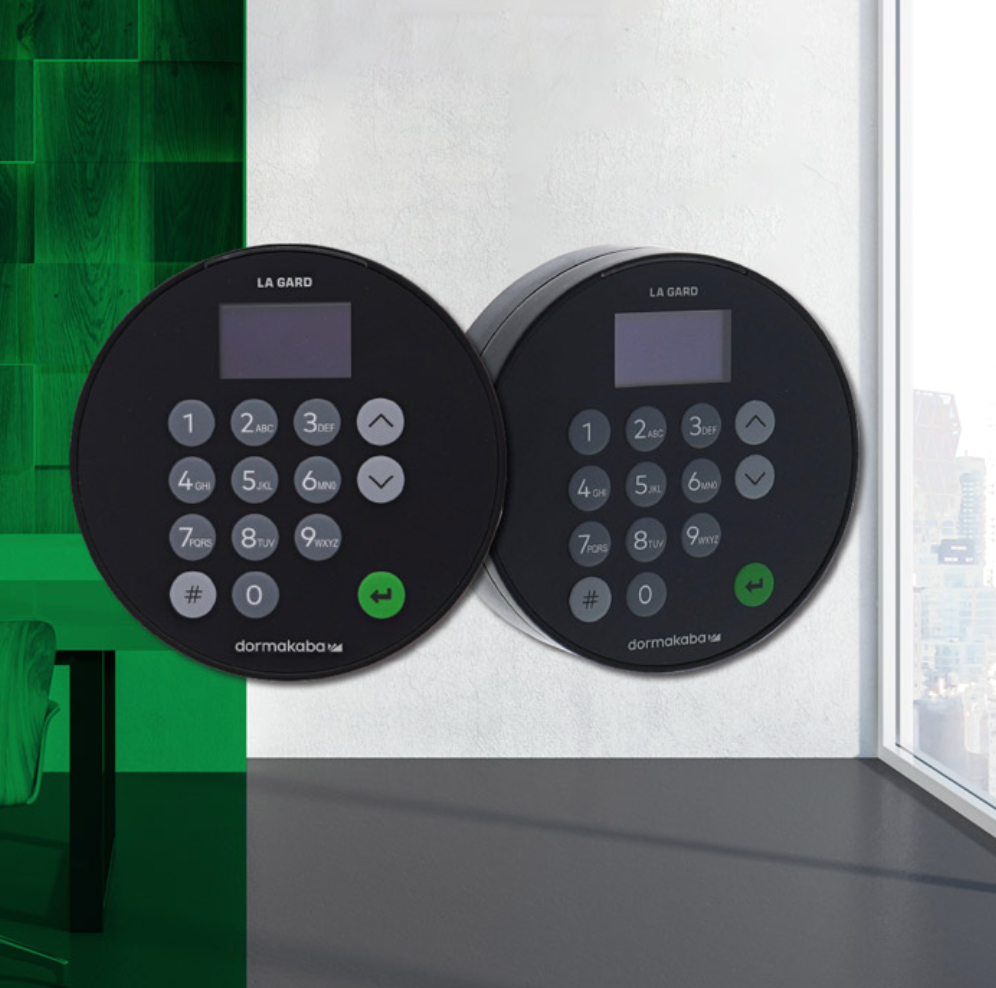
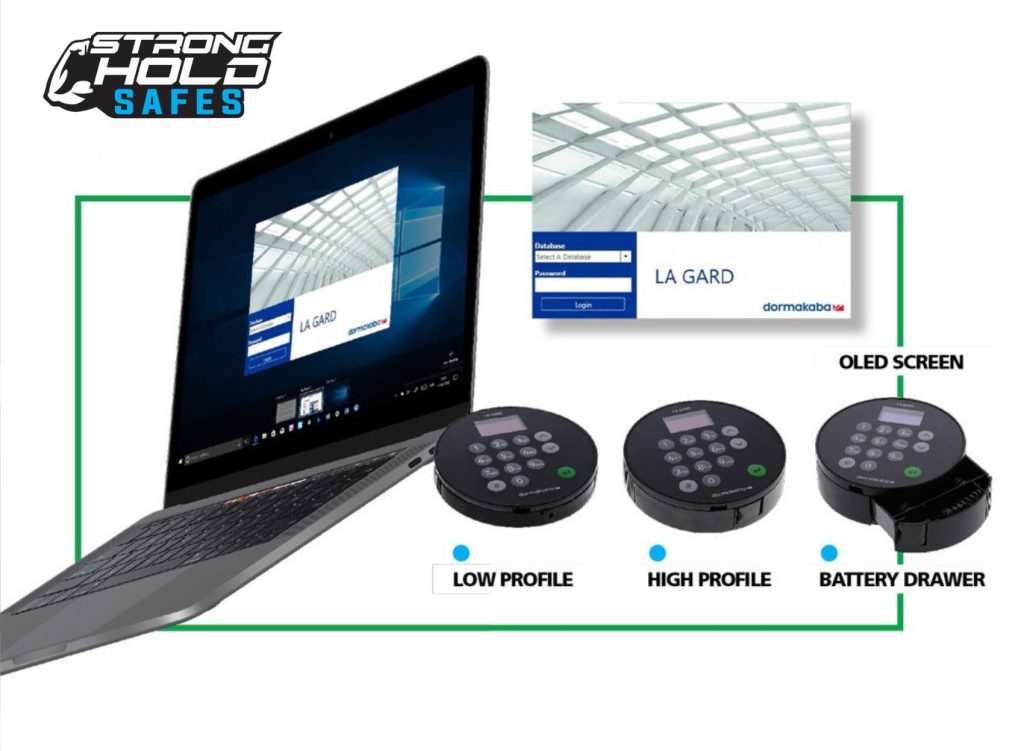
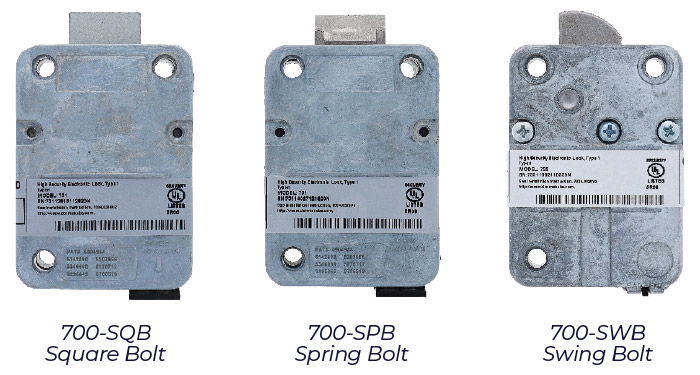
Stronghold LA GARD 702 Audit
Multi-user safe lock — the upgraded model for the legacy LA GARD Audit 66E and 66E Supra. All the features of the 702 ComboPlus, plus a 500-event audit trail with Real Time Clock stamp.
Category: Safe Locks
Key Features
Audit Trail with Real Time Clock
500-event audit trail that records every open and close with a Real Time Clock (RTC) stamp.
Time Delay
0–99 minutes delay period, followed by a 1–60 minute Confirmation Window.
Dual Combination
All the features of the LA GARD 702 ComboPlus.
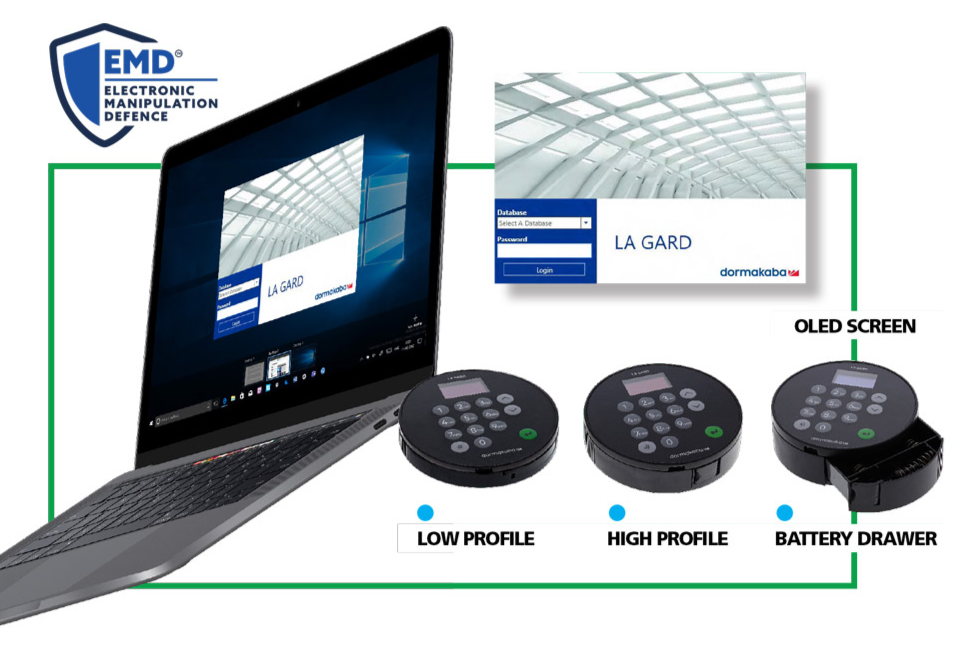
OLED Display Keypad
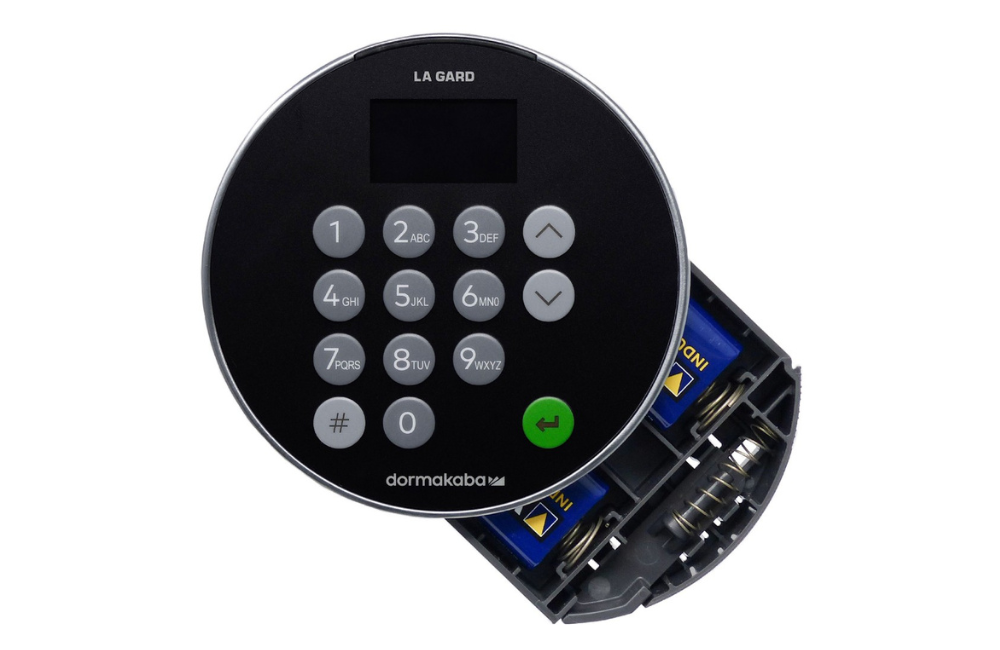
Ships with an OLED display keypad. Uses a 2-digit user ID with a 6-digit combination.
Up to 30 Users
1 Master, 1 Manager, 28 Users. Powered by a 9V Alkaline battery housed in the keypad.
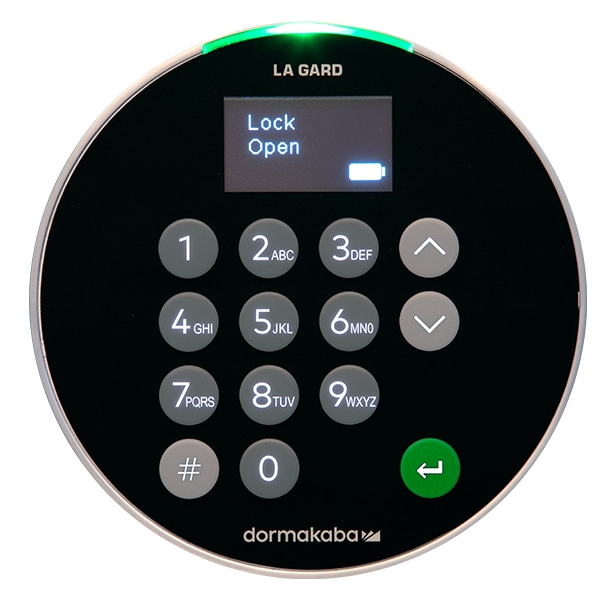
Basic Operation — Opening the Lock
Default factory setup:
Master ID: 00 (8-digit combination) · Manager ID: 01 (6-digit combination)
Default Master combination: 1-2-3-4-5-6-7-8 — change this immediately
ⓘ A valid entry gives 3 short high beeps + 3 green flashes and displays "Lock Open". An invalid entry gives 3 short low beeps + 3 red flashes and displays an error. Turn the safe handle within 4 seconds to open the door.
Changing Your Combination
⚠️ Always change combinations with the safe door open and test twice before closing.
Adding a New User (Manager Only)
The lock supports up to 30 total users (1 Master, 1 Manager, 28 Users).
Audit Trail — Viewing & Downloading
The LA GARD 702 Audit records the last 500 events, each with a Real Time Clock stamp.
To view on the display (Manager only):
ⓘ To download to a PC, use the official LA GARD Software client with a USB cable. From the Main Menu select Audit → Activate PC Link.
Time Delay & Wrong Try Penalty
Time Delay: 0–99 minutes delay period, followed by a 1–60 minute Confirmation Window
Wrong Try Penalty: 4 consecutive wrong entries triggers a 5-minute lockout
Power & Battery
- Battery: 9V Alkaline (Duracell or Energizer recommended)
- Low battery warning shown on display — replace promptly
- Non-volatile memory: codes, users and audit trail are retained during battery replacement
- To replace: eject the battery tray on the edge of the keypad, disconnect the old battery, connect a new 9V Alkaline observing polarity, refit the tray