
Stronghold LA GARD 700 Basic
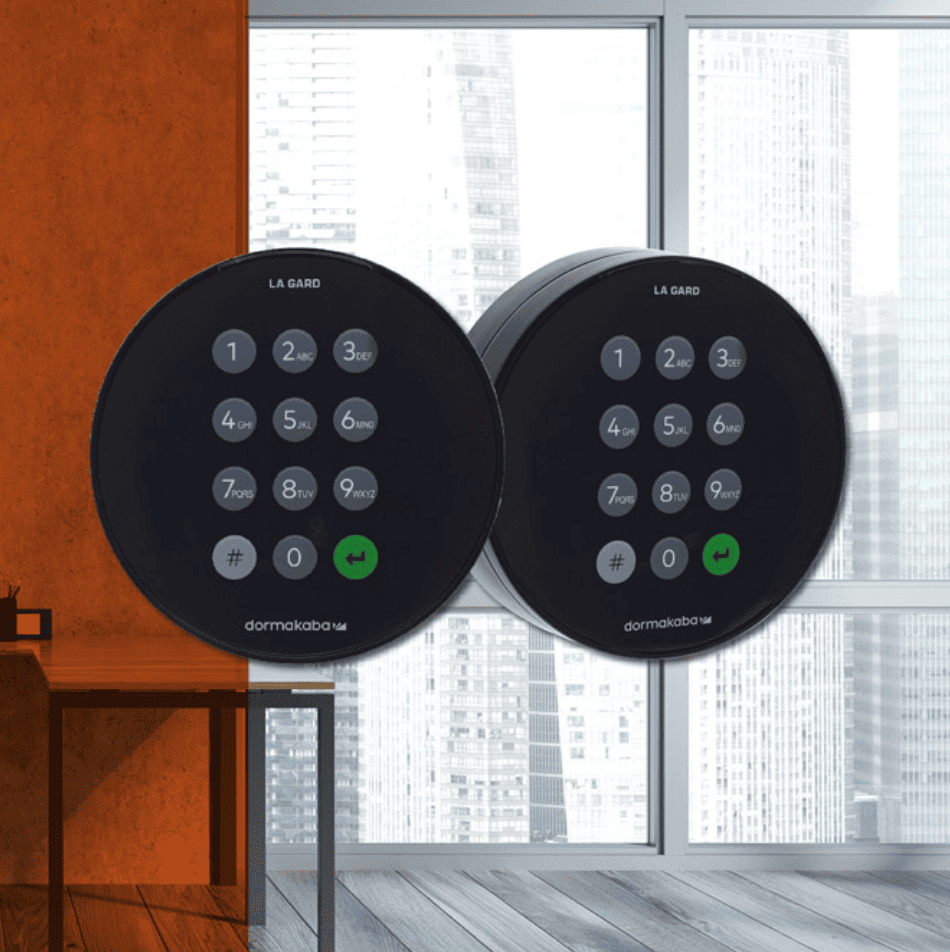
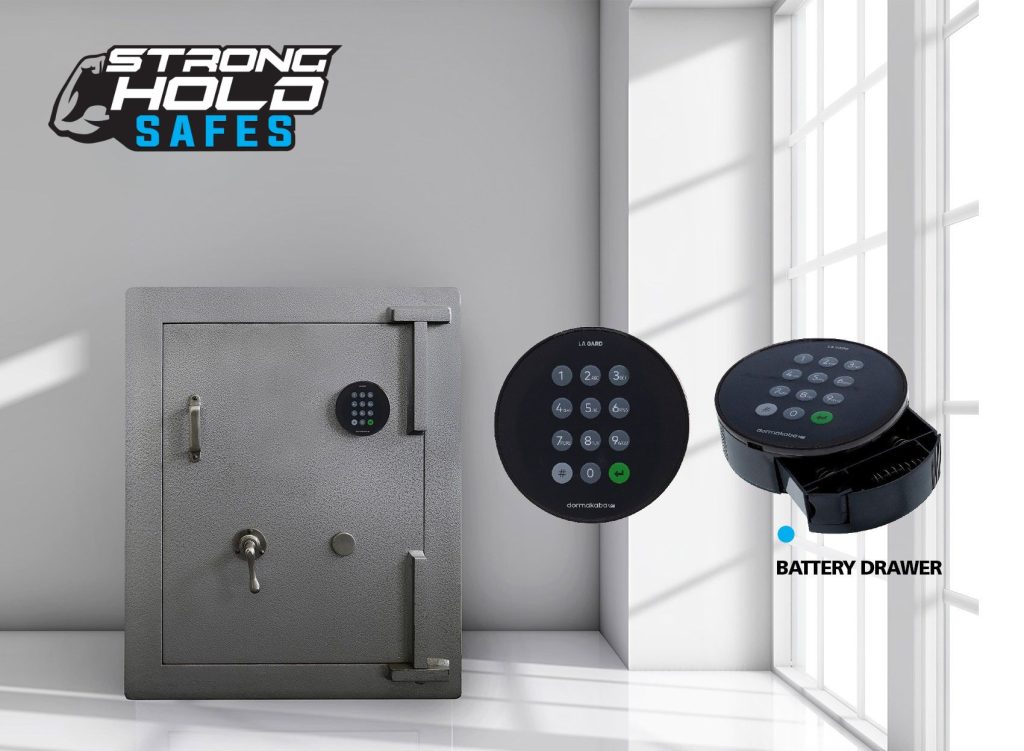
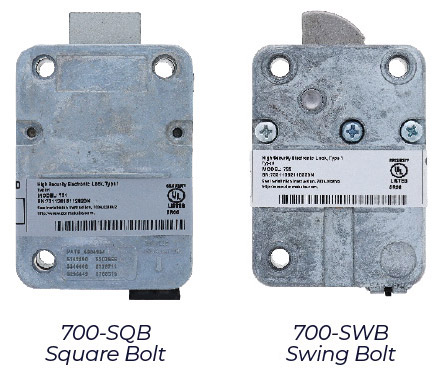
stronghold la gard 700 basic
The upgraded version of the industry-leading LG Basic — a simple, cost-effective 2-user electronic safe lock for residential and small business safes.
Category: Safe Locks
Key Features
2-User Electronic Lock
A simple, cost-effective 2-user safe lock designed for residential and small business safes.
Auto-Pairing
Auto-pairing between keypad and lock.
6-Digit Combination
Uses a 6-digit combination.
Super Master Reset Code
An optional Super Master Reset Code for backup access.
⚠️ Note: The 700 Basic keypad and lock are NOT compatible with any other 700 Series model (701, 702, 702D, 703, 703B, 704, 704B, 705) or with legacy LA GARD locks.
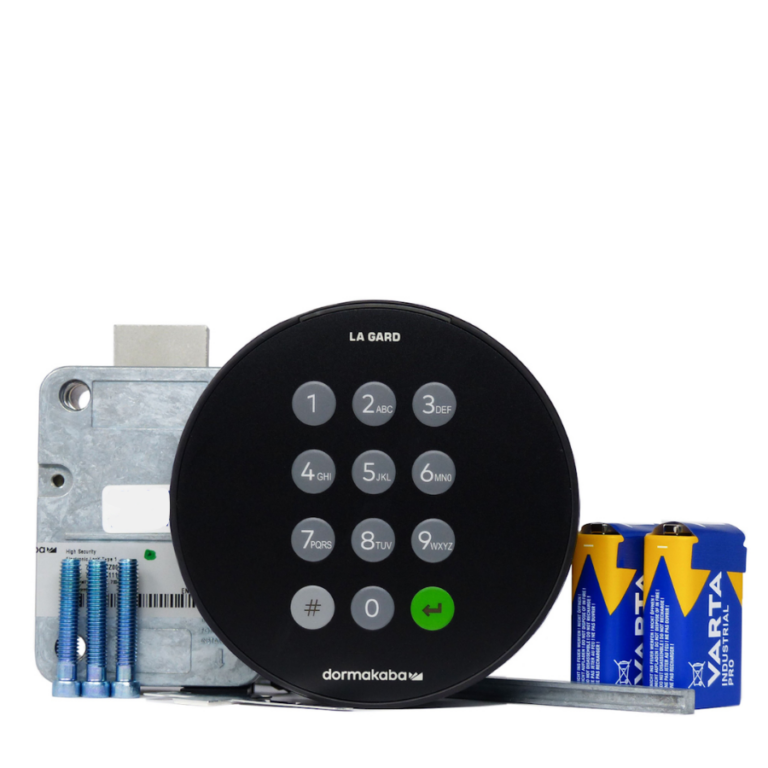
Basic Operation — Opening the Lock
Default factory setup:
Manager default code: 1-2-3-4-5-6
Super Master Reset Code (optional): 5-5-5-5-5-5-5-5 — must be changed BEFORE the Manager code is changed to remain active
Change the Manager code immediately on first use
ⓘ If you do not turn the keypad/handle within 4 seconds, the lock automatically re-secures and you will need to re-enter the code.
Changing Your Combination
⚠️ Method 1 — always perform with the door open. Always test the new code twice with the door open before closing.
Adding / Re-enabling the User
The 700 Basic supports 2 users total (1 Manager + 1 User). To re-enable a previously disabled User code
Wrong Try Penalty
- 4 consecutive invalid entries triggers a 5-minute lockout
- During lockout, the LED flashes every 10 seconds and the keypad will not respond to any keypresses
- Wait for the lockout to clear, then enter the correct code
Power & Battery
- Battery: 2 × 9V Alkaline (Duracell or Energizer recommended) — both batteries must be installed for operation
- Low battery warning: 5 repeated beeps during opening
- Critical low battery: 10 beeps on a key press — both batteries MUST be replaced before the lock will operate
- Recommended to change batteries once a year
- Non-volatile memory: codes are retained during battery replacement
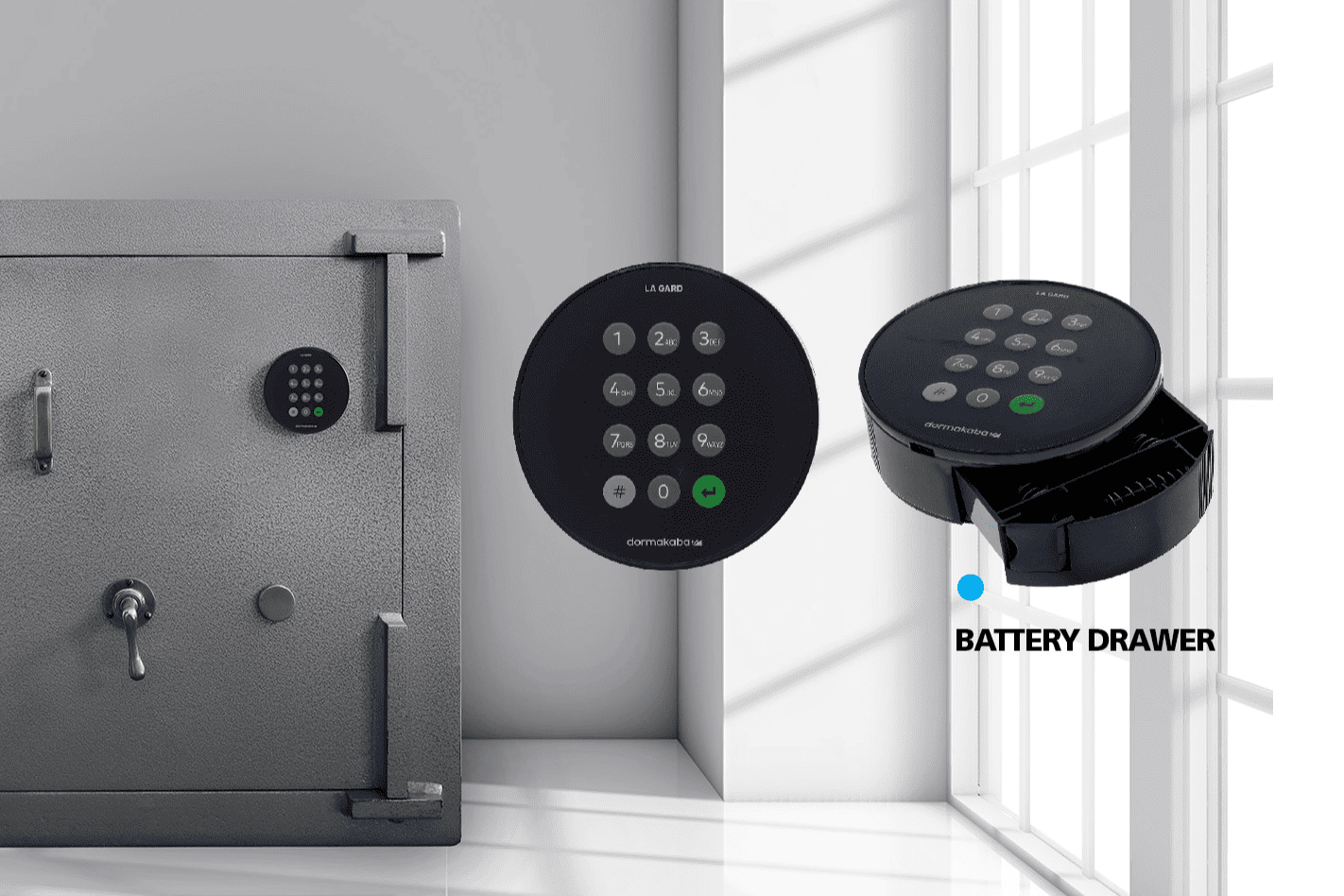
ⓘ To replace: press the release button on the edge of the keypad to eject the battery tray, disconnect the old batteries, connect 2 new 9V Alkaline batteries observing polarity, refit the tray.