
Stronghold SafeLogic Basic Lock Set
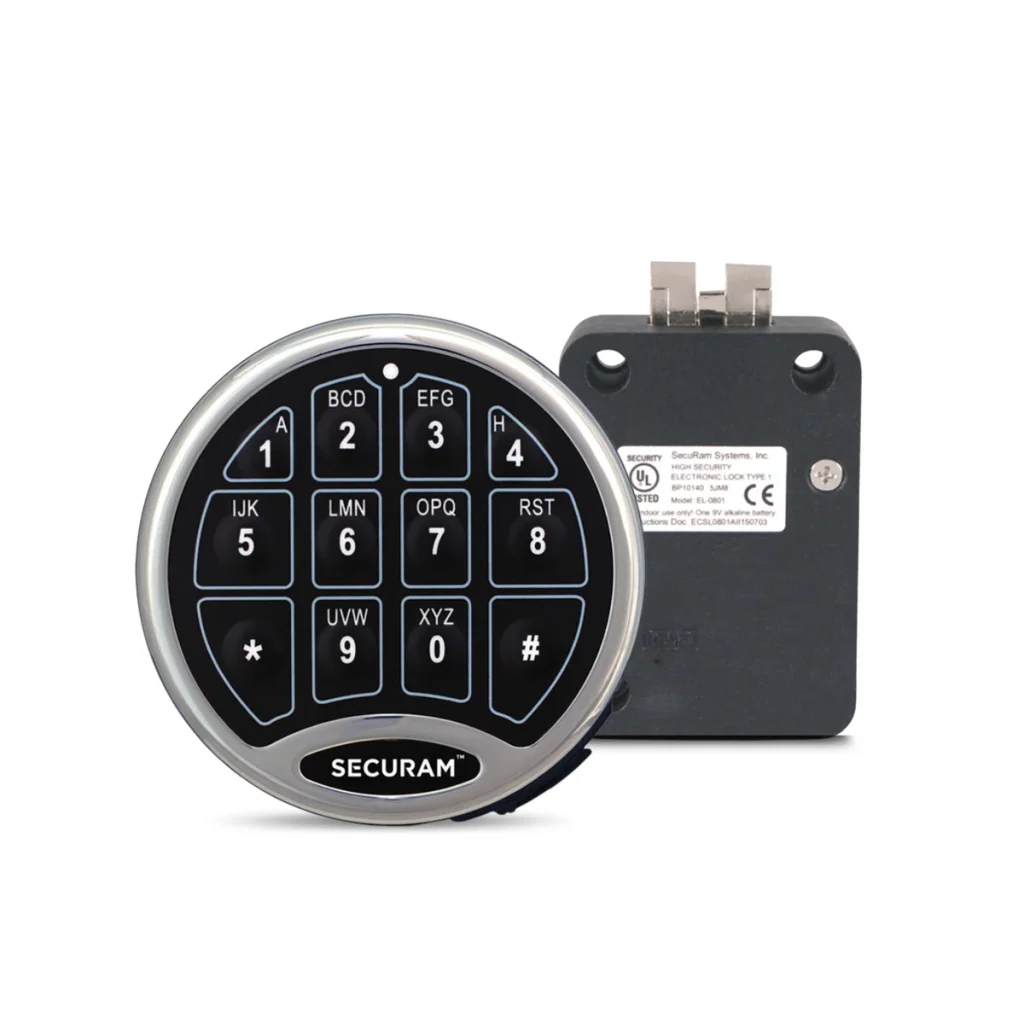
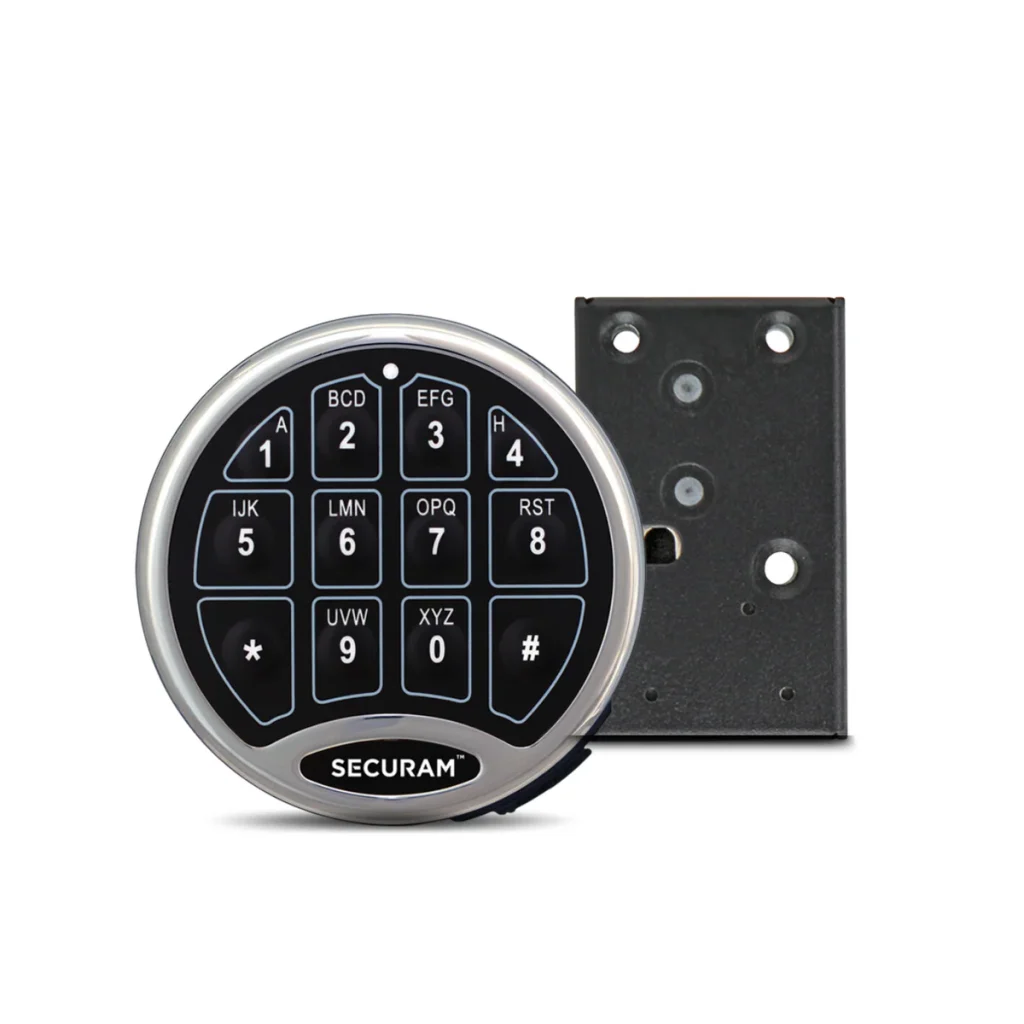
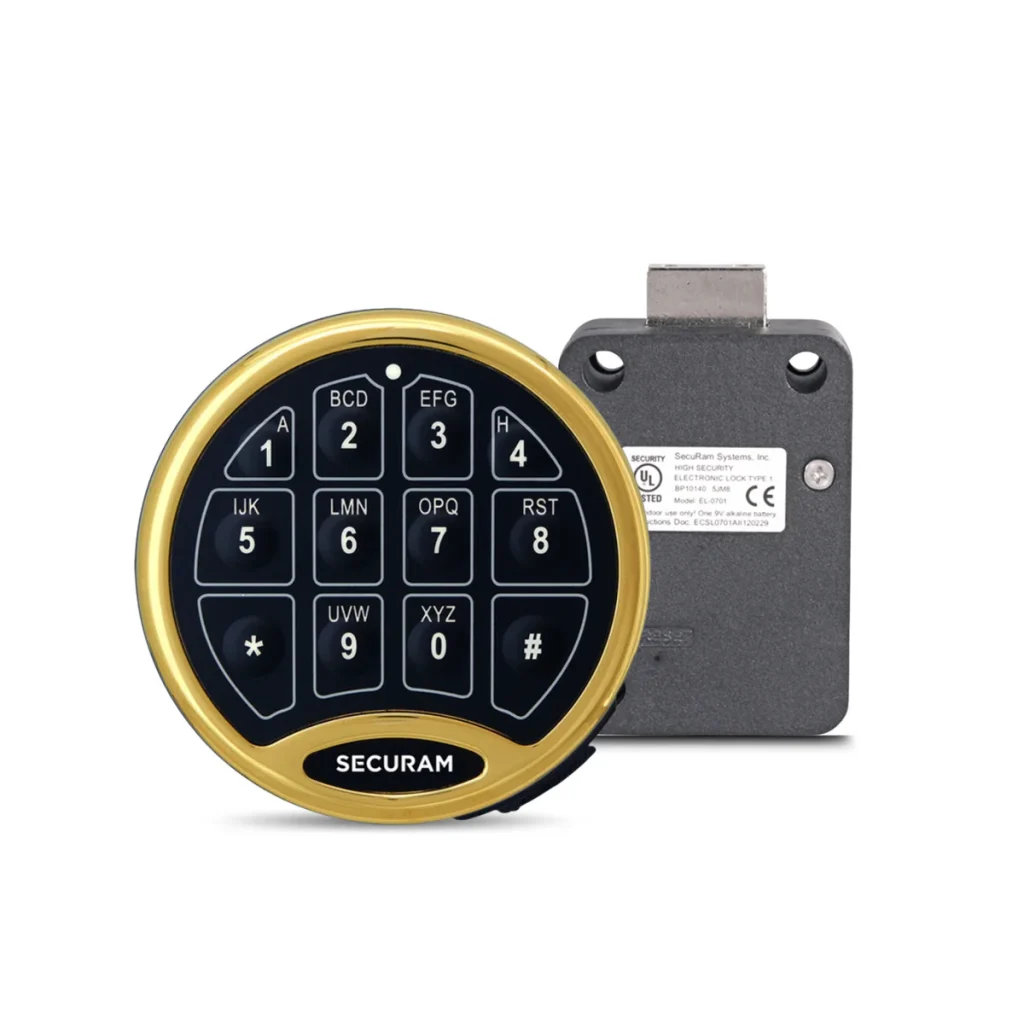
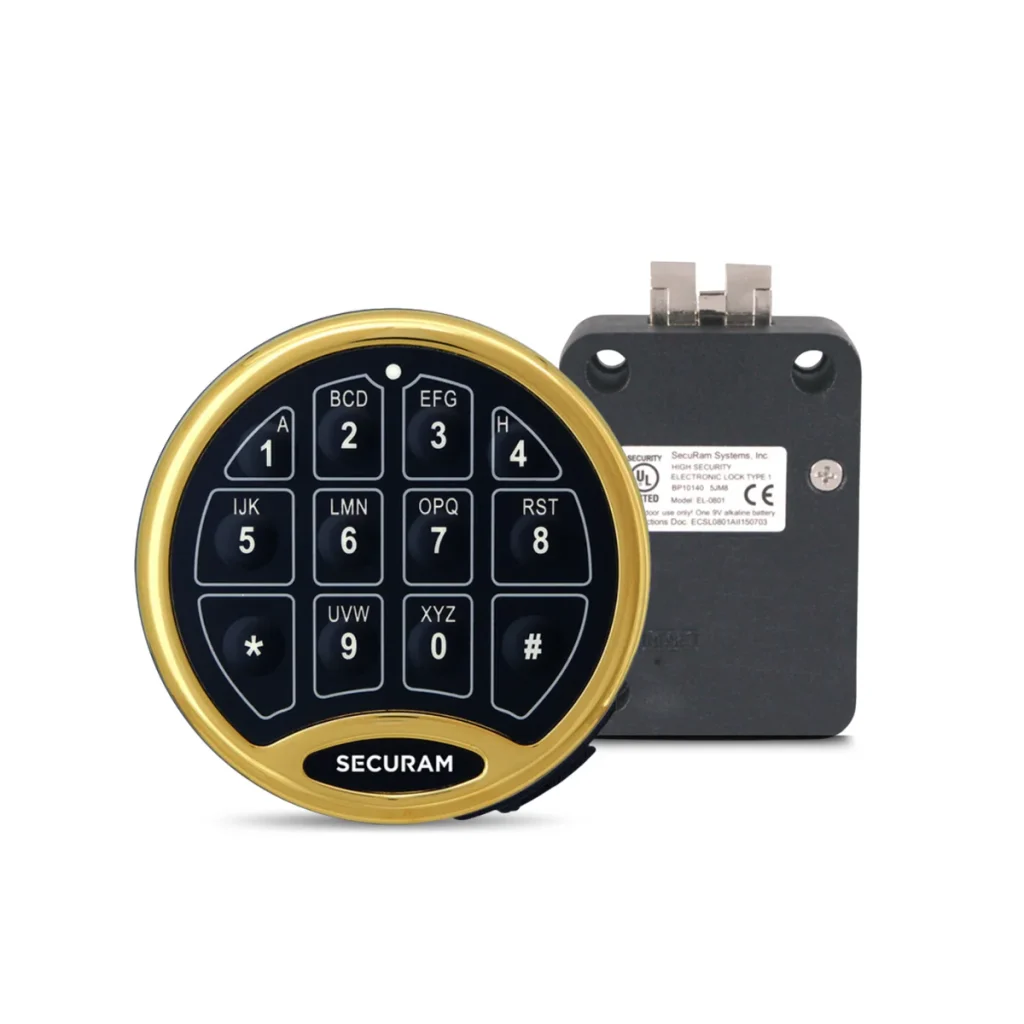
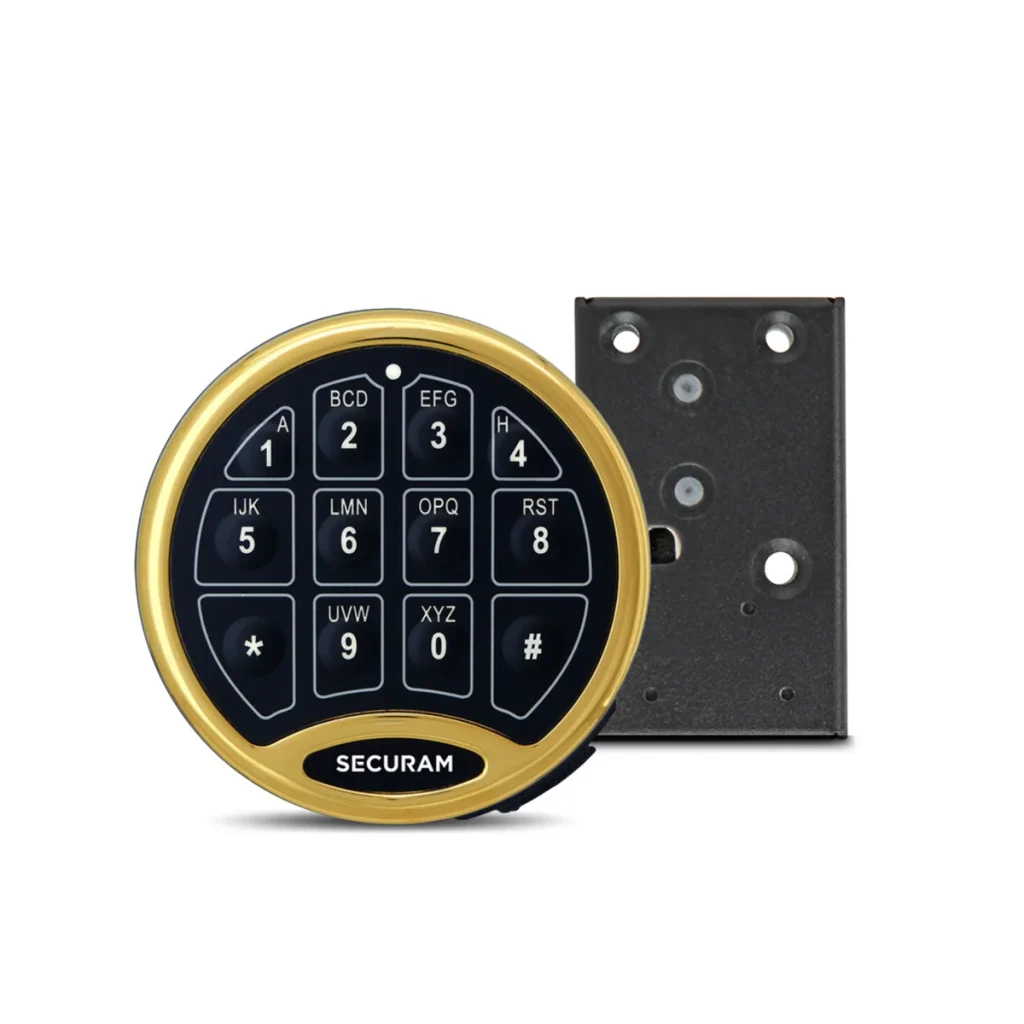
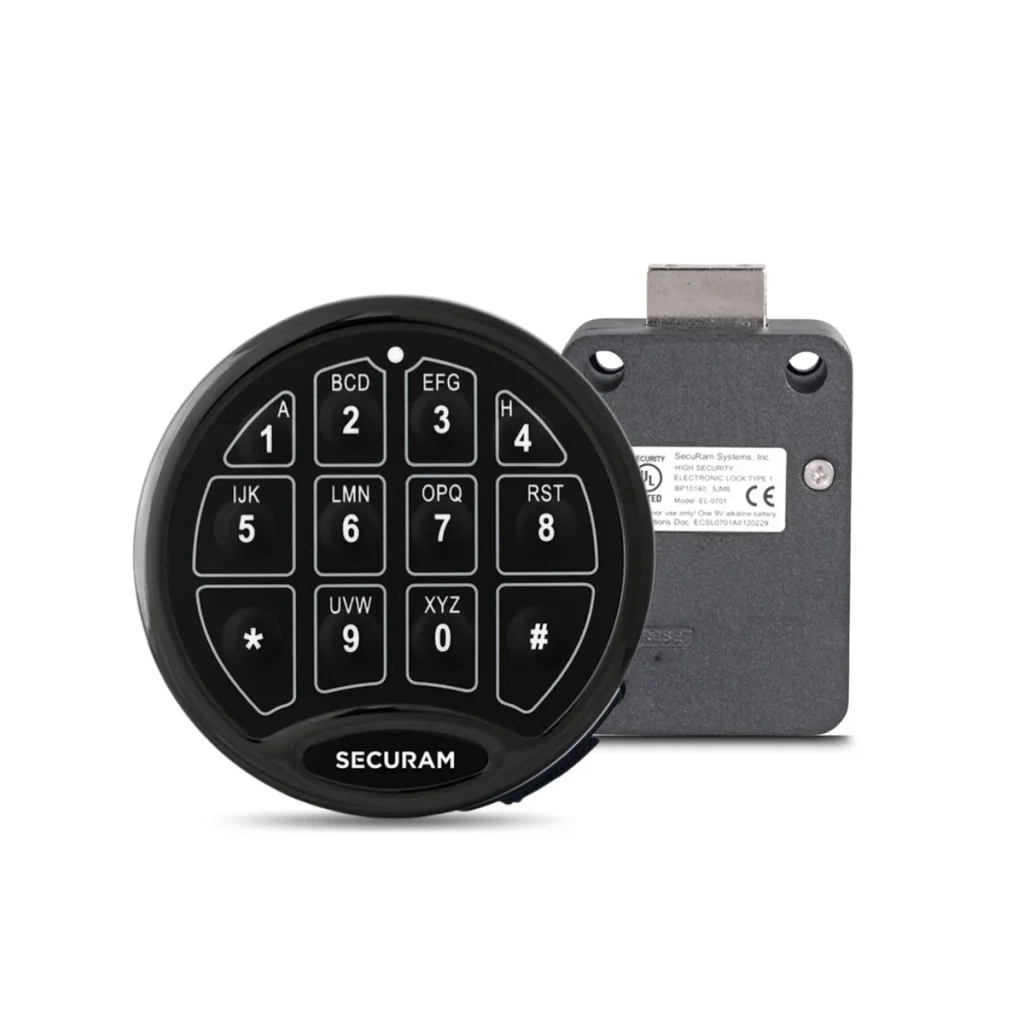
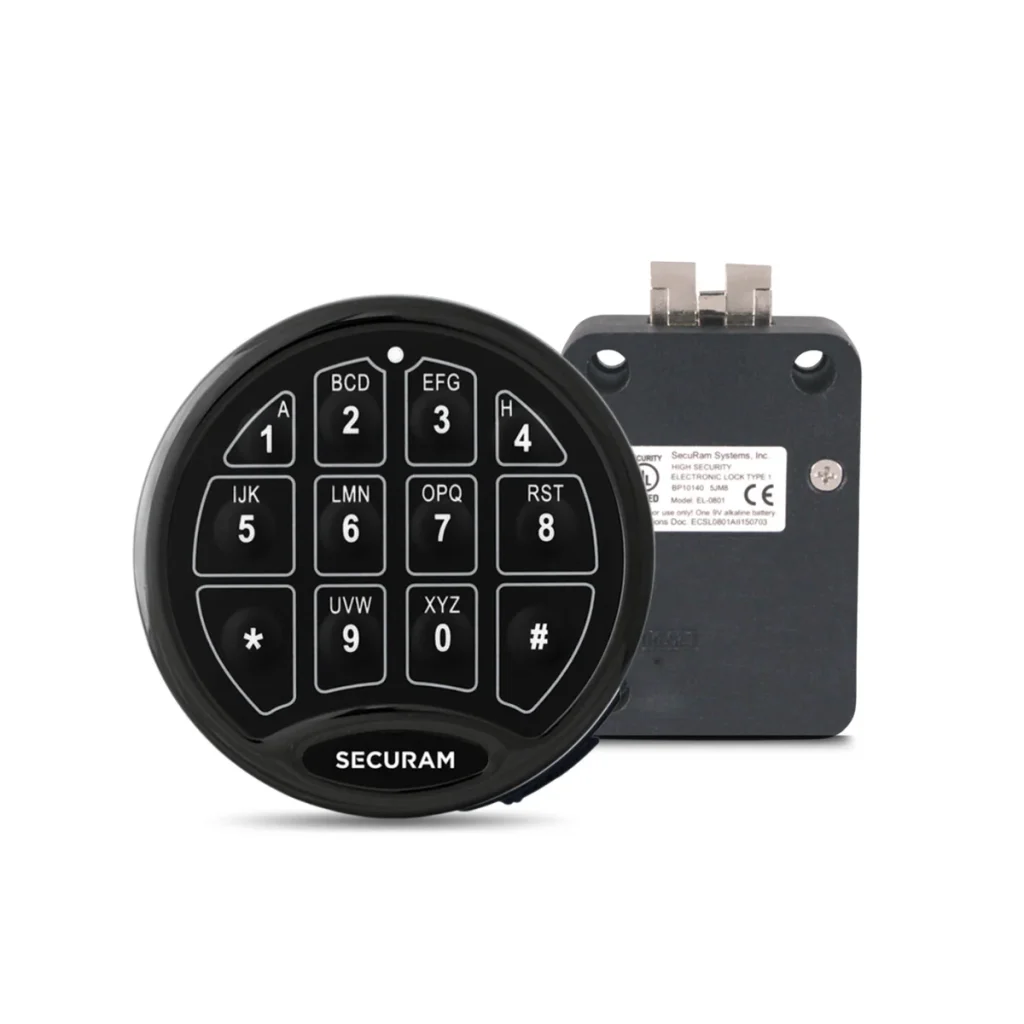
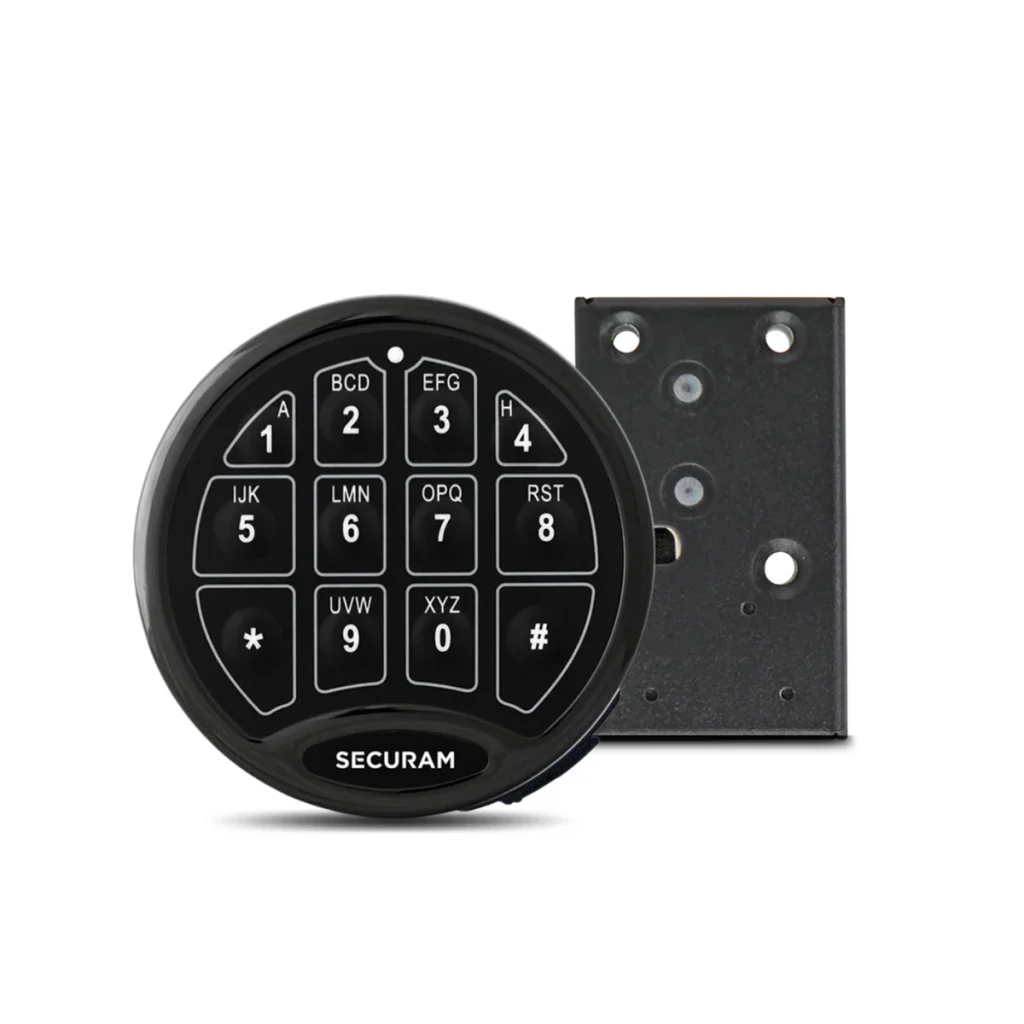
Stronghold SafeLogic Basic Lock Set
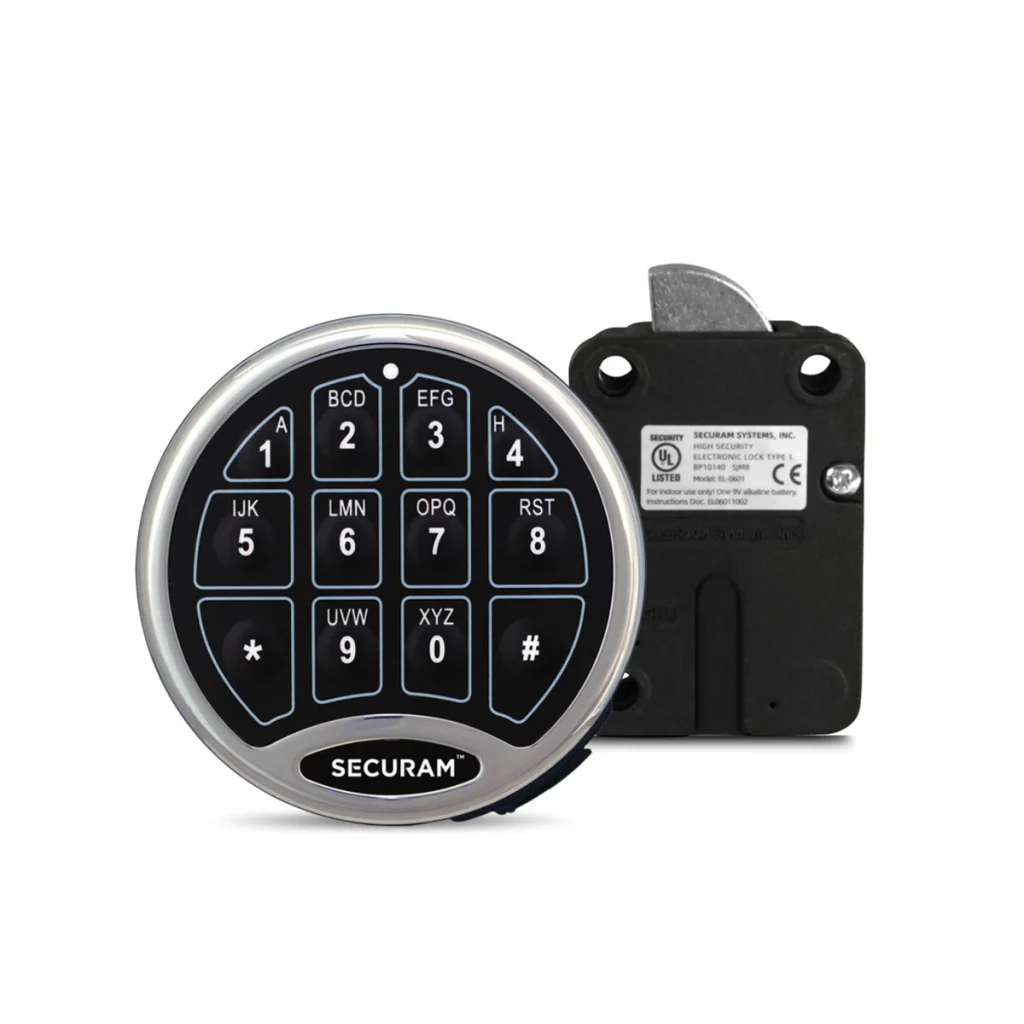
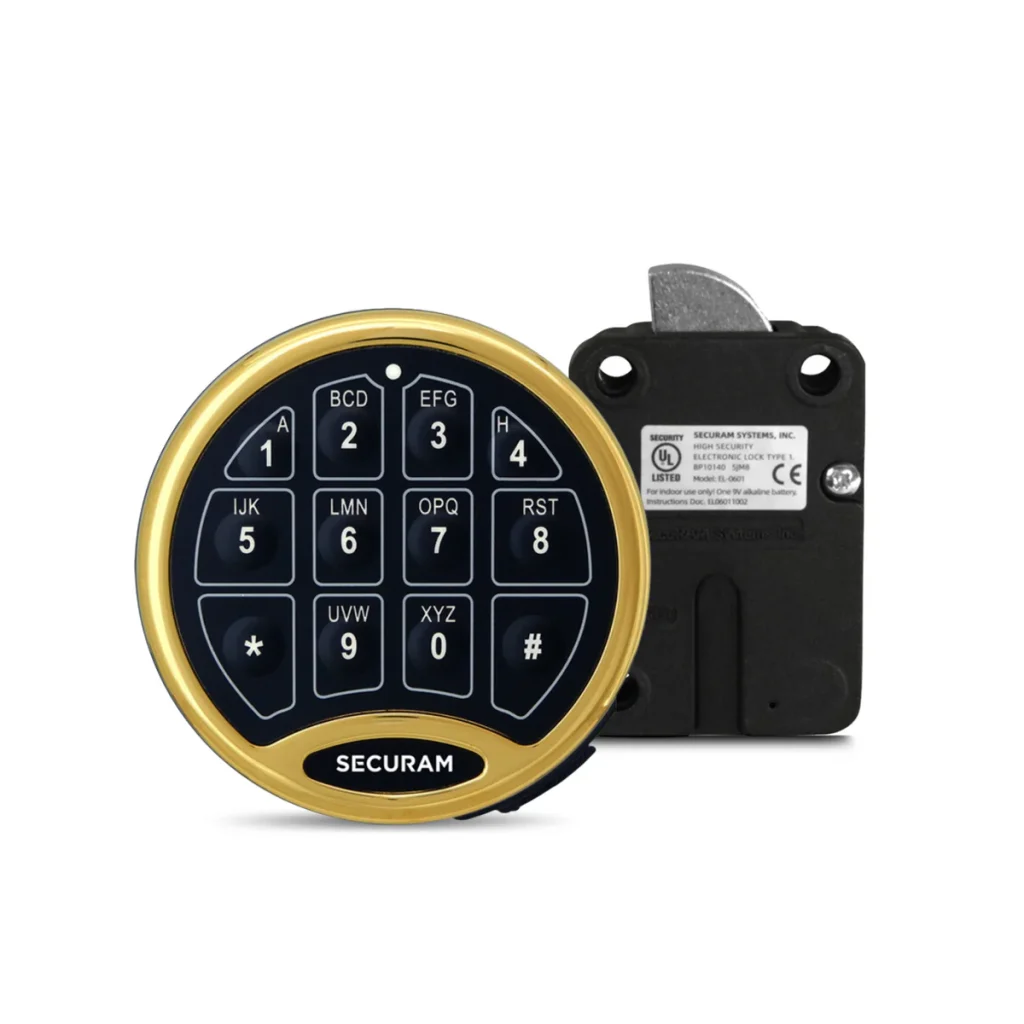
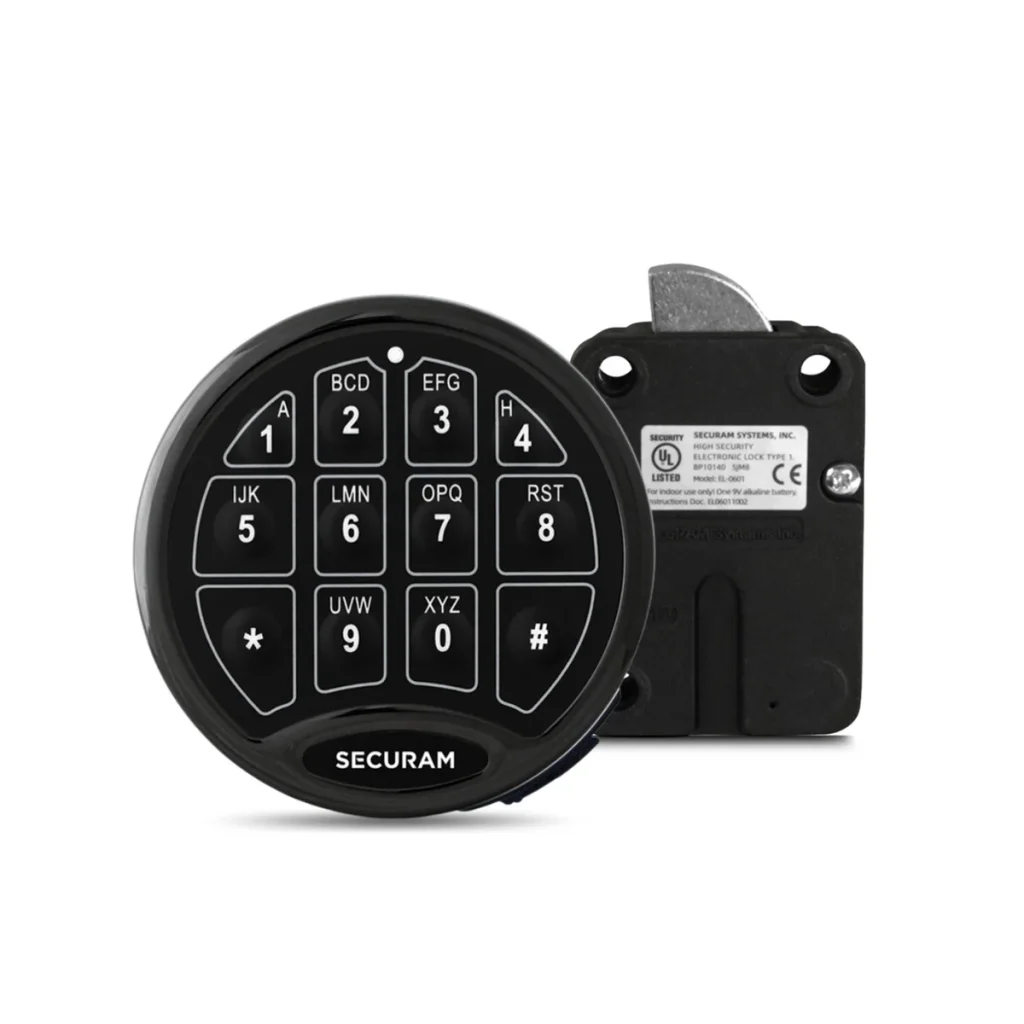
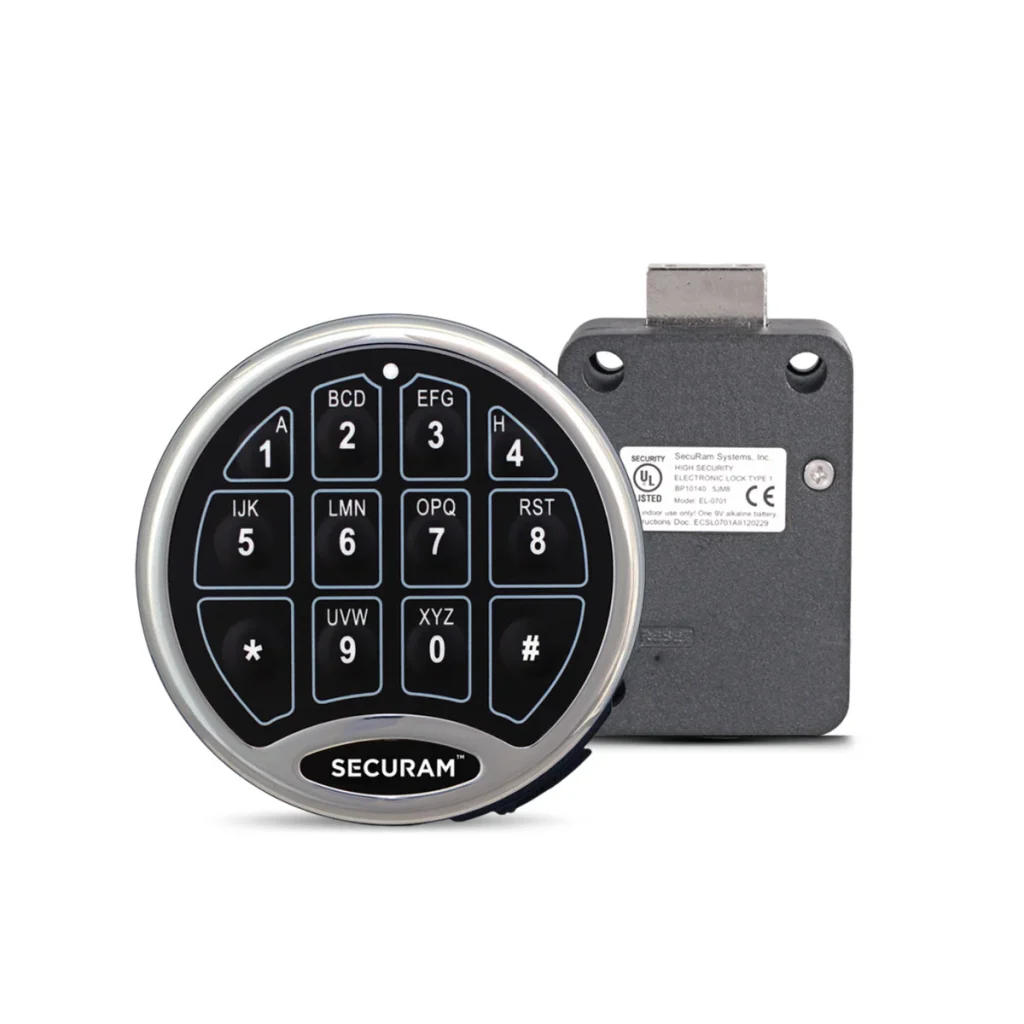
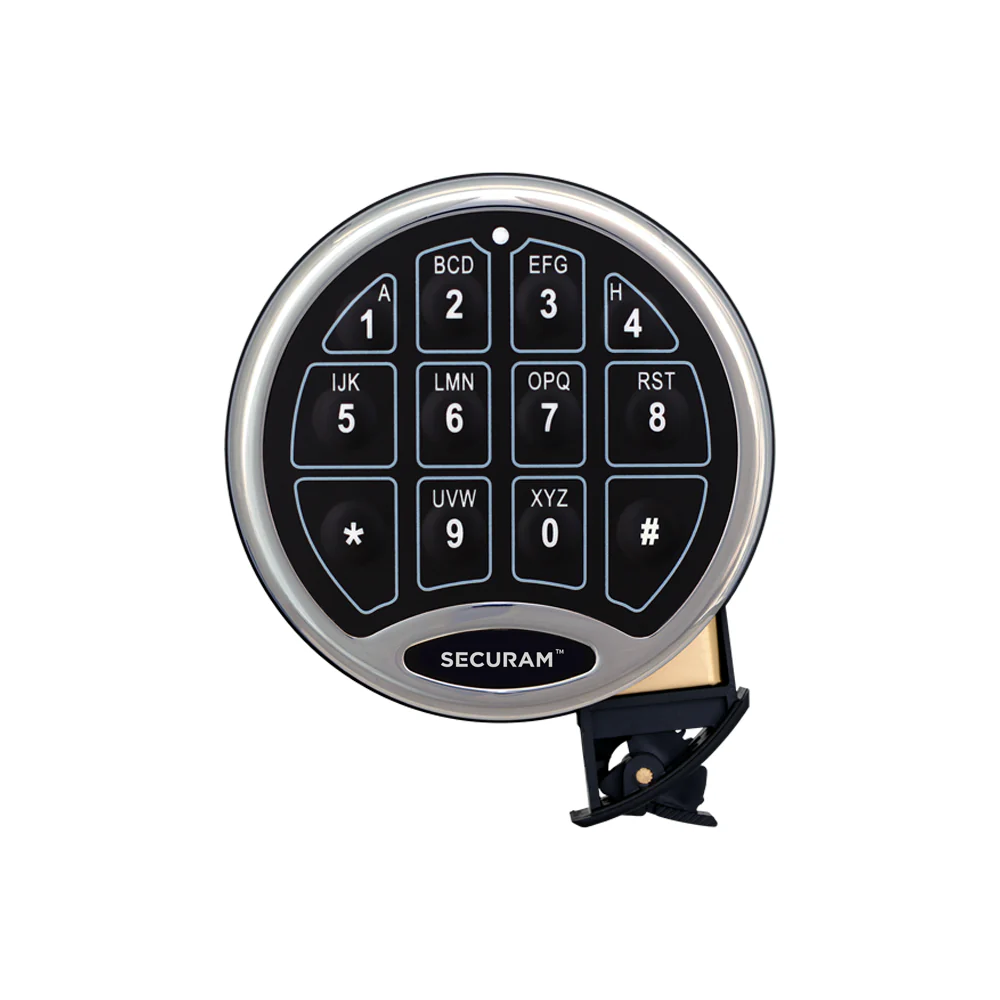
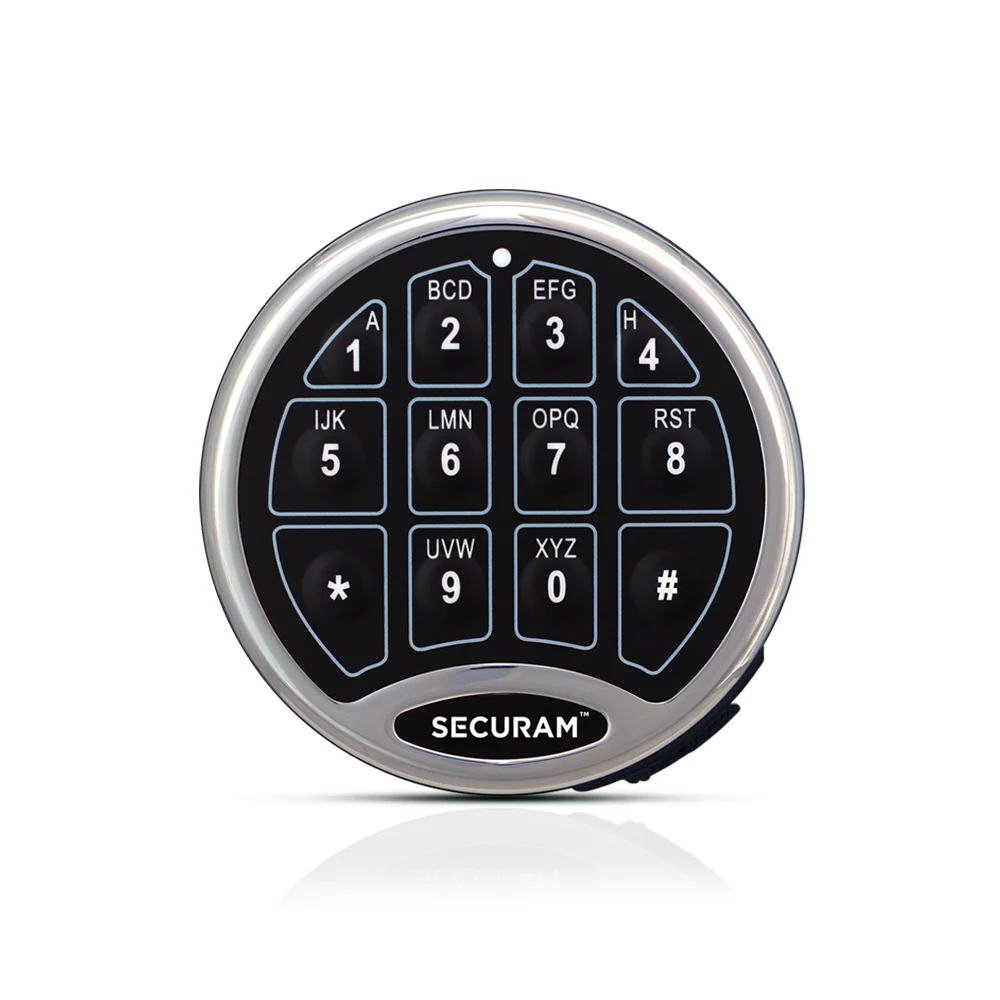
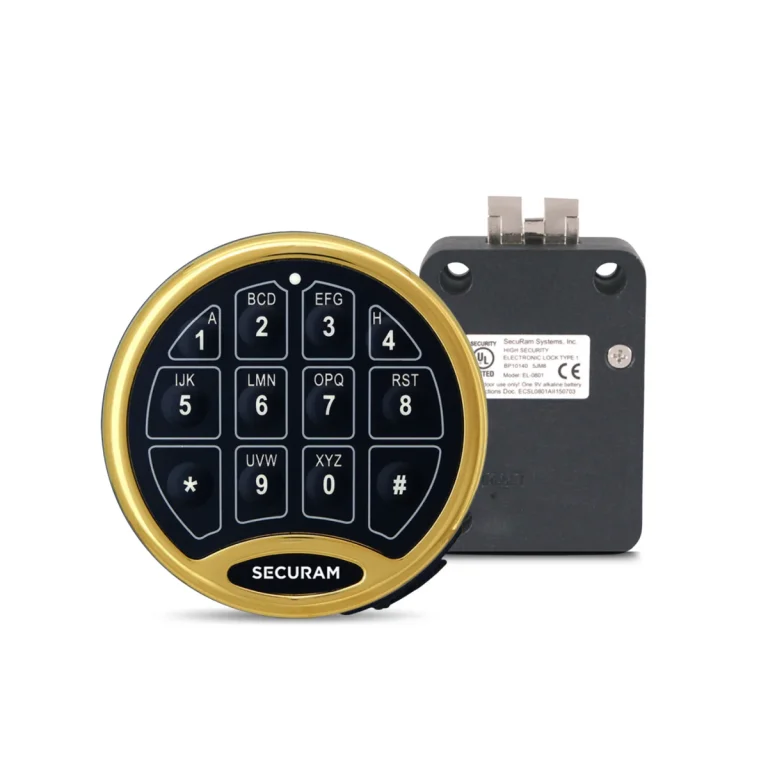
A reliable, robust electronic safe lock from SECURAM Systems (Part # EC-0601A-II EntryPad), built with rugged stainless steel construction and UL-listed. Pairs with any of the 4 SECURAM motorised lock bodies — SwingBolt, DeadBolt, SpringBolt and StrikeBolt.
Category: Safe Locks
Key Features
Rugged Stainless Steel, UL-Listed
A reliable, robust electronic safe lock built with rugged stainless steel construction and UL-listed.
Pairs With 4 Lock Bodies
Pairs with any of the 4 SECURAM motorised lock bodies — SwingBolt (EL-0601), DeadBolt (EL-0701), SpringBolt (EL-0801) and StrikeBolt.
2 Codes, 6-Digit Length
Supports 2 codes (1 Manager + 1 User) and uses a 6-digit code length.
Long Battery Life
Delivers over 10,000 openings on a single 9V battery.
SureLock Battery Compartment
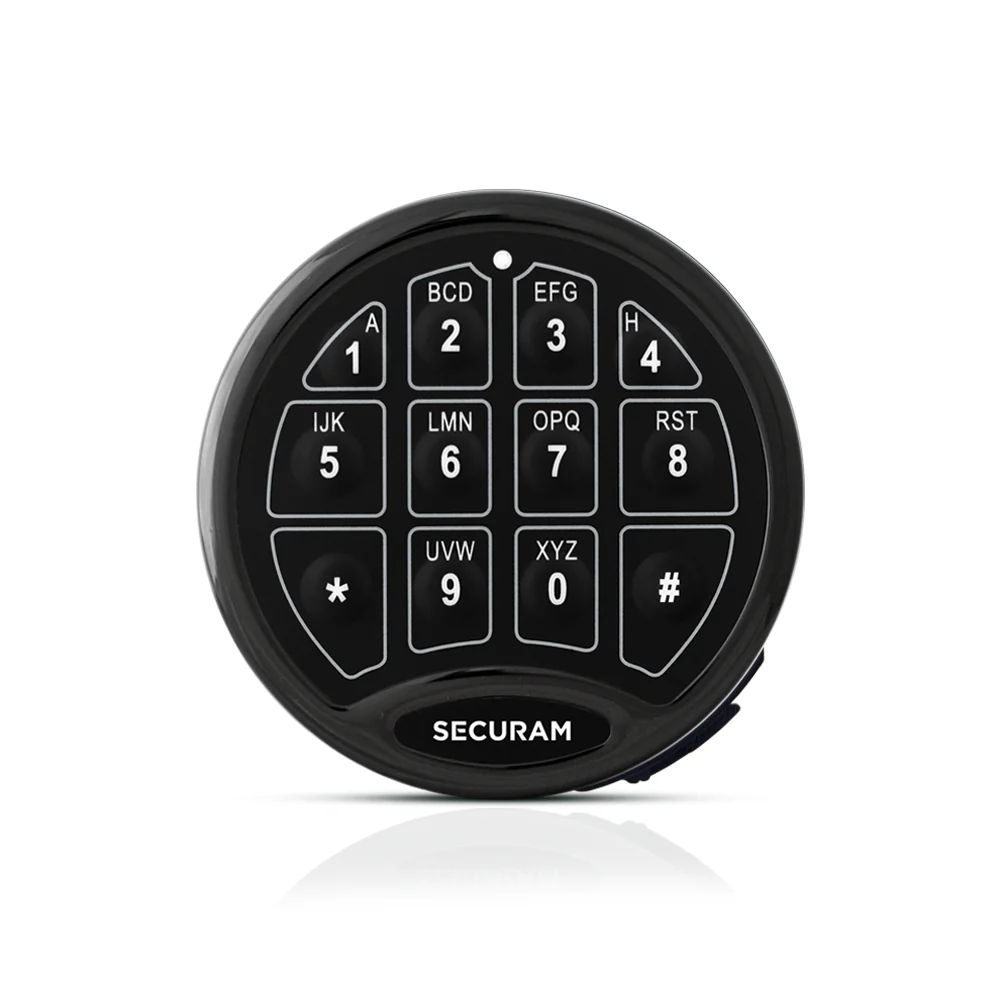
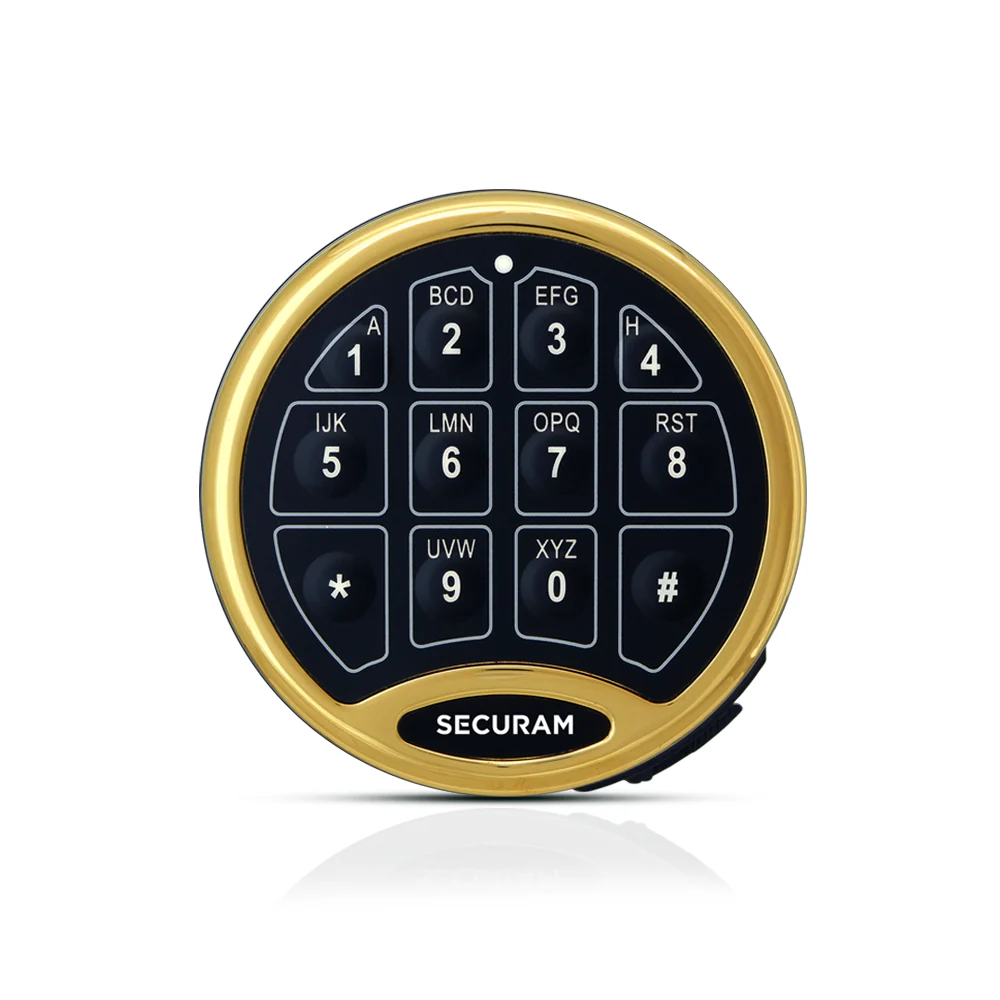
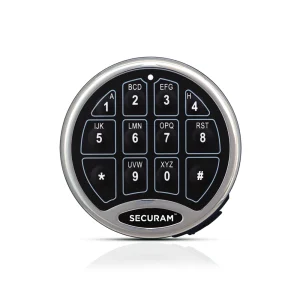
Allows quick battery replacement without removing the EntryPad from the safe door. Available in Chrome (CH), Brass (BR) and Black Chrome finishes.
⚠️ Note: The 700 Basic keypad and lock are NOT compatible with any other 700 Series model (701, 702, 702D, 703, 703B, 704, 704B, 705) or with legacy LA GARD locks.
Basic Operation — Opening the Lock
Manufacturer default codes (must be changed immediately):
Manager Code: 1-2-3-4-5-6 · User Code: 1-2-3-4-5-6 (installed by default, can be deleted)
ⓘ If the entry is invalid, the lock will not open. Standby: to conserve battery, the system reverts to standby after 10 seconds of no key press (two short beeps). Wake the keypad by pressing any key.
Manager Programming
⚠️ Always perform all programming with the safe lock unlocked and the safe door open. The system will not accept a code set to six zeros. Verify any new code at least 3 times before closing the door.
Change the Manager Code:
| Action | Steps (after entering program mode) |
|---|---|
| Add | Press “1”, enter a 6-digit code, re-enter to confirm — one beep confirms success |
| Enable | Press “1” — one beep confirms the User Code is enabled |
| Disable | Press “2” — one beep confirms the User Code is disabled |
| Delete | Press “3” — one beep confirms the User Code is deleted |
User code – Add/Enable/Disable/delete
Wrong Entry Penalty
- 4 consecutive invalid codes triggers a 5-minute lockout
- During lockout, the unit beeps at 5-second intervals
- Pressing keys during lockout does not restart or lengthen the penalty
- Removing the battery interrupts the countdown, but it resumes when the battery is reinstalled until the full 5 minutes have elapsed
Power & Battery
- Battery: 1 × 9V Alkaline (Duracell recommended)
- Battery life: approximately one year
- Battery Low Voltage threshold: 5.4 ± 0.2V
- Low Battery Alert: repeated beeping during opening — replace immediately
- SureLock Battery Compartment: replace the battery without removing the EntryPad from the safe door
- SureLock non-volatile memory: codes are retained during battery replacement
Specifications
| Power Supply | 9V Alkaline Battery (Duracell) |
| Battery Life Span | about one year |
| Code Length | 6 digits |
| Standby Current | <50uA |
| Operating Humidity | 90% Maximum |
| EntryPad Diameter | 4-1/8″ |
| Certification | UL-Listed |
| Quality control | 2,000-cycle QM program before leaving the factory |
Manuals & Video Guides
- SafeLogic Basic — Intro (Discover the Reliable SECURAM Safe Lock)
- SECURAM SafeLogic Basic — Default Manager Code
- SafeLogic Basic — Penalty Time / Incorrect Code Error
- SECURAM SafeLogic Basic — Video tutorial
- SECURAM SafeLogic Basic — Video tutorial
- SECURAM SafeLogic Basic — Video tutorial
- SECURAM SafeLogic Basic — Video tutorial
- SafeLogic Basic Video Overview — SECURAM Help Center
- SECURAM Safe Lock Videos — Full YouTube Playlist